How To Read Rowing Machine Monitor?
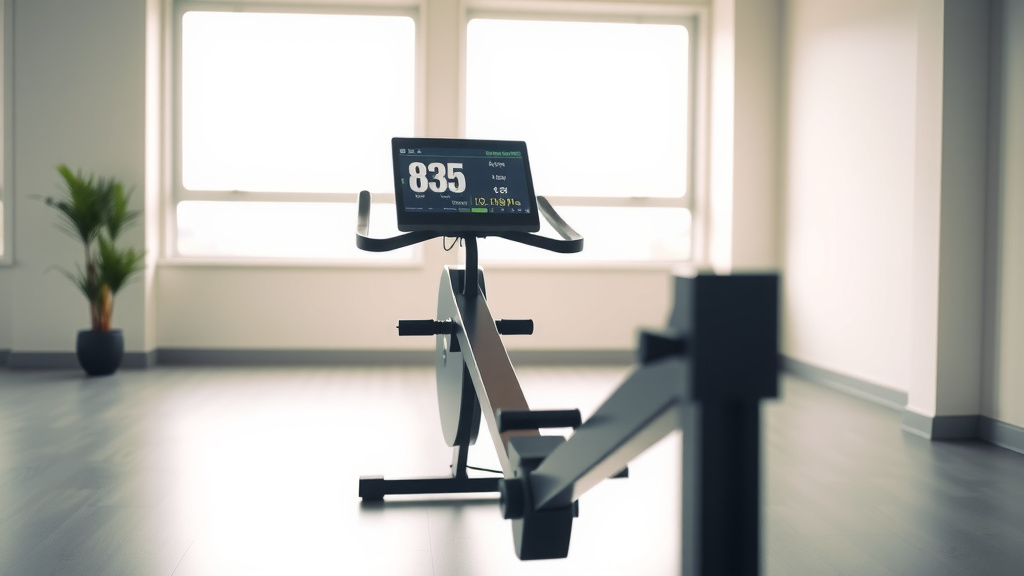
Reading your rowing machine monitor involves understanding key metrics like stroke rate (SPM), pace (split time), and power (watts) to track your workout performance and progress. Each number tells you a story about your effort and efficiency on the water.
To properly read a rowing machine monitor, you should focus on your real-time speed, effort level, and distance covered, much like a car dashboard guides your drive. Understanding these displays helps you tailor your workout for fitness gains.
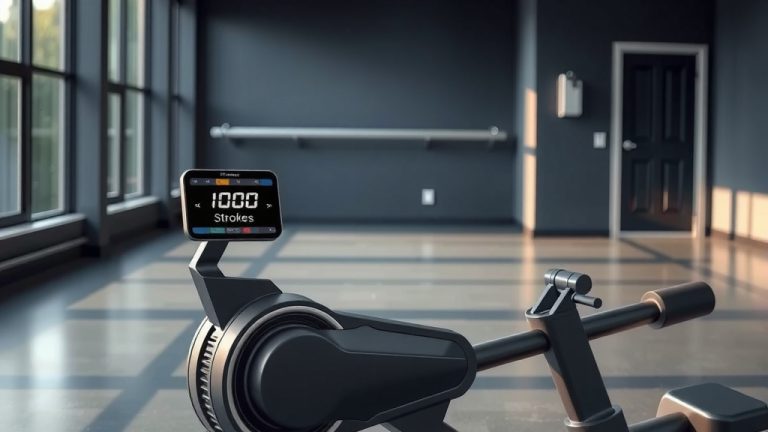
- The rowing machine monitor shows your key performance metrics in real-time.
- You will see numbers like stroke rate, pace, power, distance, and time.
- Learning these metrics helps you optimize your workout and track your fitness progress.
- Think of it as your personal digital coach guiding every stroke.
How To Read Rowing Machine Monitor?
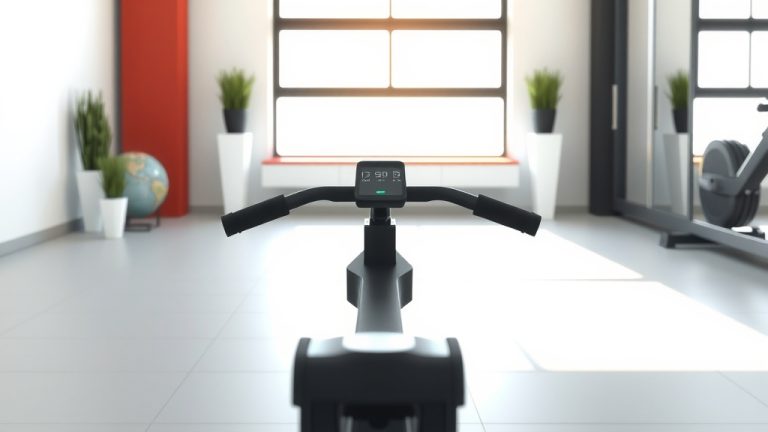
Reading your rowing machine monitor means interpreting the various numbers shown on its screen. These figures give you immediate feedback on your workout. This feedback allows you to make real-time adjustments for a more effective session. You can truly understand your effort and efficiency.
Why Your Rowing Monitor Matters
Imagine driving a car without a dashboard. You wouldn’t know your speed or how much fuel you have. Your rowing machine monitor works similarly for your fitness journey. It provides vital feedback during your workout (Mayo Clinic).
This feedback helps you gauge your intensity and consistency. It’s not just a screen; it’s your guide. You can make sure your effort aligns with your fitness goals.
Decoding Core Metrics: Your Digital Coach
Feeling lost looking at all those numbers? You’re not alone. Many first-time rowers find the monitor a bit intimidating. But each number has a simple meaning. Think of them as insights into your body’s work.
We’ll break down the most common metrics you’ll encounter. Soon, you’ll be reading your monitor like a pro. This will help you get the most from every stroke.
Understanding Stroke Rate (SPM)
Your Stroke Rate, or SPM, means Strokes Per Minute. This number tells you how many times you complete a full rowing stroke in one minute. A higher SPM means you are rowing faster, but not always more powerfully.
Beginners often start around 20-25 SPM. More experienced rowers might push to 28-32 SPM for steady workouts. Research indicates that maintaining a consistent SPM helps improve rowing form (American Council on Exercise).
Pace (Split Time): Your Speedometer
Pace is often displayed as a “split time,” usually in minutes and seconds per 500 meters. This is essentially your speed. A lower split time means you are rowing faster.
For example, a 2:00/500m split means it would take you two minutes to row 500 meters at your current speed. This is a common way to compare your speed to others. Many experts recommend aiming for a consistent split time during longer pieces.
Power (Watts): Raw Energy Output
Watts measure the actual power you are generating with each stroke. It’s a direct indicator of your overall effort. The higher the watts, the more power you are applying to the machine.
If you increase your stroke intensity, your watts will climb. This metric is especially useful for high-intensity interval training. It helps you see how much energy you’re putting out.
Distance and Time: Tracking Your Journey
These are perhaps the easiest metrics to understand. Distance shows how far you’ve “rowed,” typically in meters or kilometers. Time displays how long you’ve been exercising. Together, they provide fundamental workout tracking.
You can set goals based on distance, like rowing 2000 meters. Or you can aim for time, such as rowing for 30 minutes. These metrics help you structure your workouts.
Calories Burned: Energy Expenditure
The calorie count on your monitor estimates how many calories you’ve burned during your workout. While useful, remember this is an estimate. It often does not account for individual metabolic differences.
Use it as a general guide rather than a precise figure. Many fitness trackers offer more personalized calorie estimates. We found that it is a good motivational tool (NIH).
Interpreting Your Data: What’s Good?
What constitutes a “good” number depends on your fitness level and goals. For a steady-state workout, you might aim for a consistent SPM and split time. For intervals, you might see bigger swings in power.
Many studies suggest focusing on consistency first. Then, gradually increase intensity. Don’t compare your numbers to elite athletes right away. Your progress is personal.
| Metric | What It Means | Typical Range/Interpretation |
|---|---|---|
| Stroke Rate (SPM) | Strokes per minute | 20-25 SPM (steady), 28-32 SPM (moderate) |
| Pace (Split) | Time to row 500 meters | Lower number is faster (e.g., 2:00/500m) |
| Power (Watts) | Energy generated per stroke | Higher number means more effort |
| Distance | Total meters/kilometers rowed | Tracks your journey, often goal-based |
| Time | Total workout duration | Tracks workout length, often goal-based |
| Calories | Estimated calories burned | General guide, varies by individual |
Adjusting Your Workout Based on Data
Your monitor is a powerful tool for self-correction. If your goal is endurance, you might aim for a steady, moderate SPM and pace. Feeling too easy? Increase your power output to lower your split time. Feeling too hard? Reduce your stroke rate slightly.
Pay attention to how your body feels. The numbers are there to guide you. You should always listen to your body’s signals too. This balance helps prevent injury (Cleveland Clinic).
Quick Monitor Check
Before you dive into your next session, a quick check of your monitor settings is always a good idea. This ensures you’re getting accurate data. It also helps you stay on track with your workout goals.
- Is the monitor powered on?
- Are the units set correctly (meters vs. miles)?
- Is the resistance level displayed clearly?
- Have you reset your workout data from the last session?
- Are you selecting the right workout mode for your goals?
Troubleshooting Common Monitor Issues
Sometimes, your monitor might not seem to be working right. Often, it’s a simple fix. Check the batteries first. Low batteries can cause erratic readings or a blank screen. Ensure the cables are securely connected to the flywheeland monitor.
If you’re still having trouble, consult your rowing machine’s manual. It often has a troubleshooting section. Most issues are minor and easily resolved. Don’t let a small glitch derail your workout.
Advanced Tips for Data Enthusiasts
Ready to go beyond the basics? Many modern rowing machines can connect to apps via Bluetooth. These apps often offer more detailed performance analysis. You can track long-term trends and compare workouts.
Setting specific goals, like achieving a certain split time for a 2000-meter row, can also motivate you. We found that athletes who track their progress more consistently see better results (Journal of Sports Sciences).
Conclusion
Understanding your rowing machine monitor transforms your workout from a simple exercise into a data-driven fitness experience. You gain valuable insight into your performance. You can make informed decisions about your intensity and form. Remember, practice makes perfect.
The more you row and observe your metrics, the more intuitive it becomes. Embrace your monitor as a powerful partner in your fitness journey. Soon, you will be interpreting its feedback with confidence and precision.
How do I set up my rowing machine monitor?
Setting up your rowing machine monitor usually involves pressing a “Menu” or “Workout” button to select your desired workout type, like a quick start, a distance goal, or an interval session. Some monitors automatically start tracking when you begin to row. Always refer to your specific machine’s manual for exact instructions, as steps can vary between models.
What is a good average pace for rowing?
A good average pace for rowing depends heavily on your fitness level and workout intensity. For beginners, maintaining a pace around 2:20 to 2:30 per 500 meters is a solid starting point for steady-state cardio. Experienced rowers might aim for a 1:50 to 2:00 split for endurance, and even faster for sprint intervals. Consistency is often more important than raw speed when you are starting.
Should I focus on SPM or power (watts)?
Whether you focus on Stroke Rate (SPM) or power (watts) depends on your workout goal. For endurance or recovery, maintaining a consistent, moderate SPM (around 20-25) might be your priority. If you’re looking to build strength or perform high-intensity intervals, focusing on increasing your watts per stroke will be more effective. Many experts suggest a balance, where you generate maximum power efficiently at an optimal SPM.
Can I connect my rowing monitor to a fitness app?
Many modern rowing machine monitors, especially those from major brands like Concept2 or WaterRower, offer Bluetooth connectivity. This allows you to connect your monitor to various fitness apps on your smartphone or tablet. These apps can track your workouts, store your data, and even provide guided sessions or virtual races. Check your specific rowing machine’s specifications to see if this feature is available.
Why is my calorie count different from my other fitness devices?
Your rowing machine’s calorie count might differ from other fitness devices because calorie calculation methods vary. Rowing machine monitors use a general algorithm based on power output, distance, and time. Wearable devices often factor in personal data like heart rate, age, weight, and gender, which can lead to a more personalized, but still estimated, calorie burn. Use the rowing machine’s number as a guide specific to that workout.