How to Maintain a Concept2 Rower
Concept2 rower maintenance means wiping the machine after use, cleaning the rail and seat rollers, checking the chain, and inspecting the flywheel and frame on a regular schedule. Follow the manual for lubrication and deeper cleaning.
On this page (11 sections)
- What does a Concept2 rower maintenance schedule include?
- How should you clean the rail and seat rollers?
- How do you clean and inspect the chain?
- How should you care for the flywheel and air intake?
- What should you inspect on the frame, handle, and footrests?
- How do you keep the monitor clean and working?
- What should you check before each rowing session?
- Which accessories can help with rowing machine upkeep?
- What if your Concept2 rower has a problem?
- How much effort does Concept2 rower maintenance take?
- Which Concept2 maintenance tasks matter most?
Concept2 rower maintenance means wiping the machine after workouts, cleaning the rail and seat rollers, checking the chain, and inspecting the flywheel and frame on a regular schedule. Follow the manual for lubrication and deeper cleaning.
A few minutes of care can catch dirt, loose parts, or wear before they affect a workout. The work is mostly simple: keep surfaces clean, watch how moving parts behave, and use Concept2's instructions for service steps.
What does a Concept2 rower maintenance schedule include?
A useful schedule covers after-workout wiping, regular rail and roller cleaning, chain checks, and periodic inspections. The exact service interval can vary by use and model, so use the manual for the machine you own.
- After each workout: Wipe sweat from the frame, handle, seat, and monitor area with a soft cloth.
- Regularly: Check the rail and seat rollers for dust, hair, or grime, and clean as needed.
- On a recurring basis: Inspect the chain, handle, footrests, and visible fasteners for damage or looseness.
- At the interval in the manual: Lubricate the chain and complete any model-specific maintenance.
- When something changes: Stop and investigate unusual noise, rough movement, or a monitor that loses power.
Keep the rower dry between sessions. Sweat left on metal parts can lead to surface corrosion, while dust and lint can gather around the rail and flywheel.
For a broader checklist that applies to different machines, see our guide to rowing machine maintenance. Concept2's official maintenance instructions should guide model-specific tasks.
How should you clean the rail and seat rollers?
Wipe the rail and rollers with a clean, soft cloth when you see dirt or feel rough seat movement. Remove loose hair or lint gently, then check that the seat rolls smoothly across the full rail.
Dust and debris can collect on the rail where the seat travels. Wiping that path and the roller surfaces helps prevent grime from building up.
Avoid pouring cleaner onto the rail or spraying it into the rollers. If a damp cloth is needed, use only a small amount of moisture and dry the area before rowing.
Don't add lubricant to the rail or seat rollers unless the manual calls for it. These surfaces need to stay clean, and extra oil can attract dust.
If the seat still catches after cleaning, look for a damaged roller or obstruction. Don't continue rowing if the seat movement is uneven or a part appears loose.
How do you clean and inspect the chain?
Check the chain for dirt, rust, stiff links, or unusual movement, and lubricate it only as the manual directs. Wipe away excess oil after lubrication so the chain doesn't become a dust trap.
The chain connects the handle to the flywheel, so it moves every time you row. Pull the handle slowly and watch for links that appear stiff or damaged.
Use the chain oil and amount specified for your model. Household sprays, heavy grease, or other lubricants may leave residue or affect the chain, so avoid them unless Concept2 approves them.
If the chain looks rusty, bent, or damaged, stop using the rower and ask Concept2 support about repair. Don't try to force a stiff link through the chain guide.
Can you use a general chain lubricant on a Concept2 rower?
Use only the lubricant and schedule Concept2 recommends for your model. A general-purpose oil may seem convenient, but the wrong product or too much lubricant can collect dirt and interfere with smooth chain travel.
Keep a lint-free cloth nearby to wipe the chain after care. Use light pressure and avoid pulling hard on links that don't move freely.
How should you care for the flywheel and air intake?
Keep the flywheel housing and air intake free of dust, and inspect for blocked openings or unusual sounds. Dust the exterior with a soft cloth, but don't reach into the housing or use liquids around the fan.
Airflow through the flywheel helps create resistance. A buildup around the intake can limit airflow, so check the openings when you clean the frame.
Never insert tools, fingers, or a vacuum attachment into the flywheel. If debris is inside the housing or the wheel makes a new scraping sound, follow Concept2's service guidance instead of opening it without instructions.
A fan cage and other parts may need deeper cleaning after extended use. Check the manual for the safe method and timing for your model.
What should you inspect on the frame, handle, and footrests?
Look for loose fasteners, cracks, frayed straps, and worn contact points before a workout. Make sure the handle returns smoothly and the footrests hold your feet securely.
Wipe sweat from the handle and frame after use. Check the handle rope or chain path for visible wear, and make sure the handle rests in its holder when you finish.
Inspect the foot straps for fraying or damage. Replace worn parts with compatible Concept2 parts, and don't row if the footrests shift or won't secure your feet.
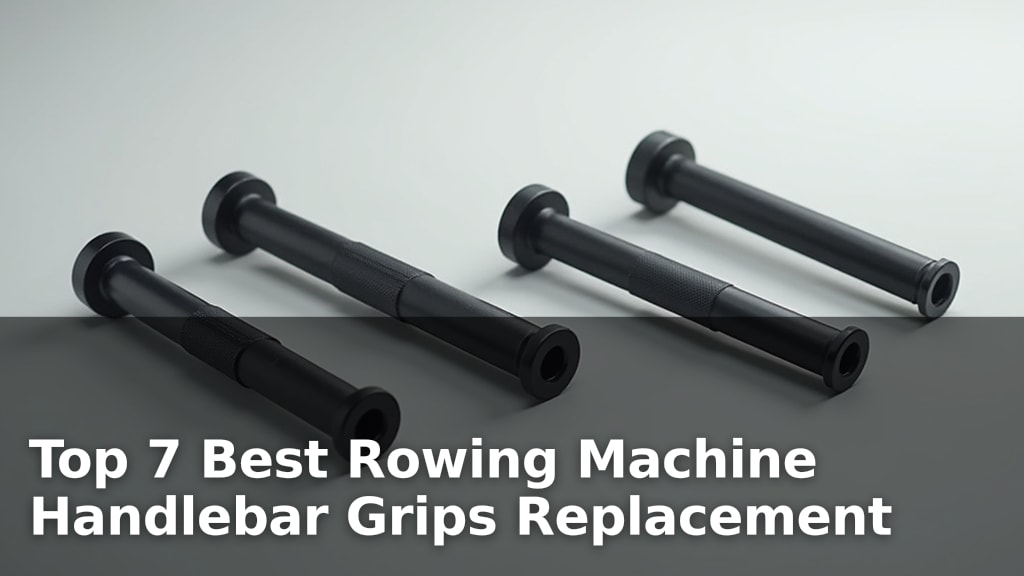
If the handle grip has become uncomfortable or worn, compare replacement options in Best Rowing Machine Handlebar Grips Replacement. Keep replacement parts compatible with the rower model.
How do you keep the monitor clean and working?
Wipe the monitor with a soft, slightly damp cloth and keep moisture away from its buttons, ports, and battery compartment. For firmware steps, see how to update a Concept2 PM5.
If the display flickers or resets, check the battery and cable connections as the manual directs.
Don't spray cleaner directly on the screen. Avoid abrasive pads that could scratch the display or markings.
Keep the monitor arm and sensor wires clear when folding or moving the rower. A pinched cable can cause a display problem even when the monitor itself is fine.
If the monitor remains blank after checking its power source and connections, use Concept2 troubleshooting instructions or contact support. If those checks point to a failed display, read how to replace a Concept2 PM5 monitor.
Avoid dismantling electronic parts without a service guide.
What should you check before each rowing session?
Take a quick look at the handle, chain, seat, footrests, and frame before you start. A short check helps you spot damage or a part that moved during storage.
Confirm the handle moves freely and returns without catching. Sit on the seat and roll it a short distance to make sure it travels smoothly.
Check that both feet can be secured in the footrests and that the machine sits firmly on the floor. Stop if you notice a crack, loose part, frayed strap, or unexpected noise.
After rowing, return the handle to its holder and wipe off sweat. Keep the rail clear of objects before storing or folding the machine.
Which accessories can help with rowing machine upkeep?
Most Concept2 care requires a cloth, the recommended chain oil, and access to the manual. Ankle straps are not maintenance tools for a rower, but they can be useful separately for cable-machine leg exercises.
Fitgriff's pair has adjustable hook-and-loop closures and 1 cm neoprene padding for cable kickbacks, leg lifts, and standing leg curls.
Gymreapers' pink pair clips in and out for cable-machine or resistance-trainer exercises, including kickbacks and leg extensions.
The ranger-green Gymreapers pair offers the same general cable and resistance-trainer uses in a different color.
Choose among these only if you also want ankle straps for that separate training setup. They don't clean, lubricate, or repair a Concept2 rower.
What if your Concept2 rower has a problem?
Stop rowing if you hear grinding, feel sudden resistance changes, or see damaged parts. Check for obvious dirt or a loose connection, then follow the model's troubleshooting steps.
For simple issues, such as a dusty rail or a monitor with a loose cable, cleaning and a careful connection check may be enough. Don't open the flywheel or electronic housing unless Concept2's instructions call for it.
If the rower still behaves oddly, use How To Fix Rowing Machine? for general troubleshooting. For a Concept2-specific repair, contact the manufacturer with the model and serial number.
How much effort does Concept2 rower maintenance take?
Routine care usually takes only a few minutes after a workout, with occasional time for closer inspection or the chain service listed in the manual. The time depends on how often the rower is used and the space around it.
For a cost estimate across common rowing machines, read How Much Does It Cost to Maintain a Rowing Machine Per Year?. Concept2 replacement parts and repair needs vary with age, use, and condition.
If you're still comparing machines, How Much Is a Concept2 Rowing Machine? covers the purchase question, while What Is a Concept2 Rowing Machine? explains the machine and its main parts.
Which Concept2 maintenance tasks matter most?
Focus on cleaning the rail and rollers, wiping sweat after use, checking the chain, and inspecting the frame and footrests. Follow Concept2's manual for lubrication and any deeper service.
Clean the rail when it gathers grime, and investigate new noises or uneven movement before your next workout. If a part looks worn or damaged, pause use and get model-specific repair guidance.
Frequently asked questions
How often should you clean a Concept2 rower?
Wipe sweat and dust from the rower after each workout, and clean the rail and seat rollers when they collect grime or the seat stops moving smoothly. Check the chain and other moving parts regularly, then follow Concept2's manual for lubrication and deeper maintenance intervals.
What should you use to clean a Concept2 rower?
Use a soft cloth and a mild cleaner suitable for the machine's surfaces, applying it to the cloth rather than spraying into the flywheel or monitor. Avoid soaking the rail, chain, monitor, or frame, and follow Concept2's instructions for the exact cleaning products and method.
Should you oil a Concept2 rower chain?
Lubricate the chain only as directed in the Concept2 manual, using the recommended oil and amount. Wipe away excess after application so it doesn't collect dust, and don't use household sprays or grease unless Concept2 specifically approves them.
Why is the seat on a Concept2 rower noisy?
A noisy or rough seat can come from dust or debris on the rail or rollers, so inspect and clean those areas first. Check that the seat is positioned correctly and rolls freely; if noise persists or parts look damaged, stop rowing and contact Concept2 support.